Dream Portfolio in 60 Seconds
No design skills required!
Portfolios from our users
See how users from top companies present themselves
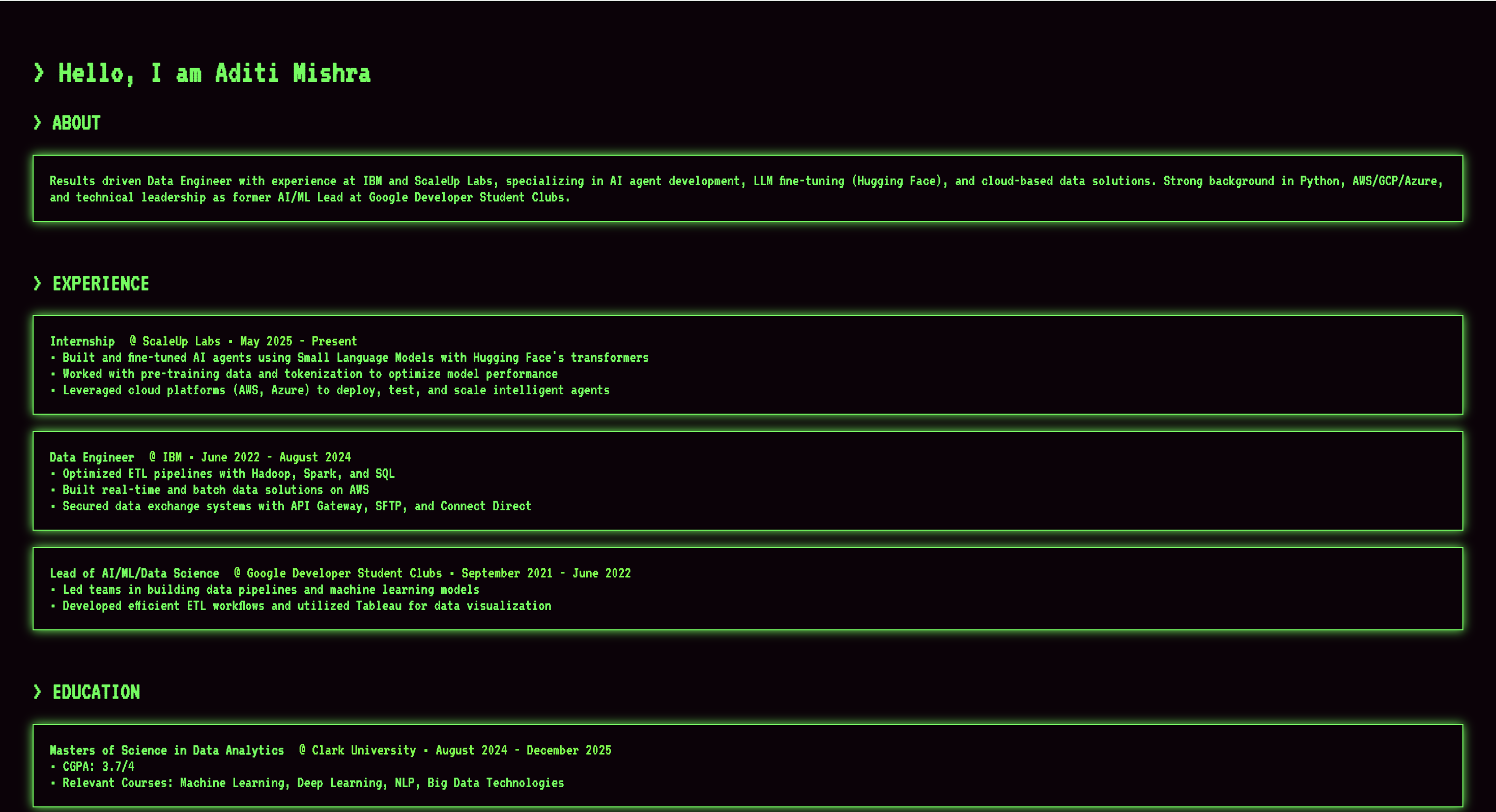
Aditi Mishra
Data Engineer, Scaleup Labs
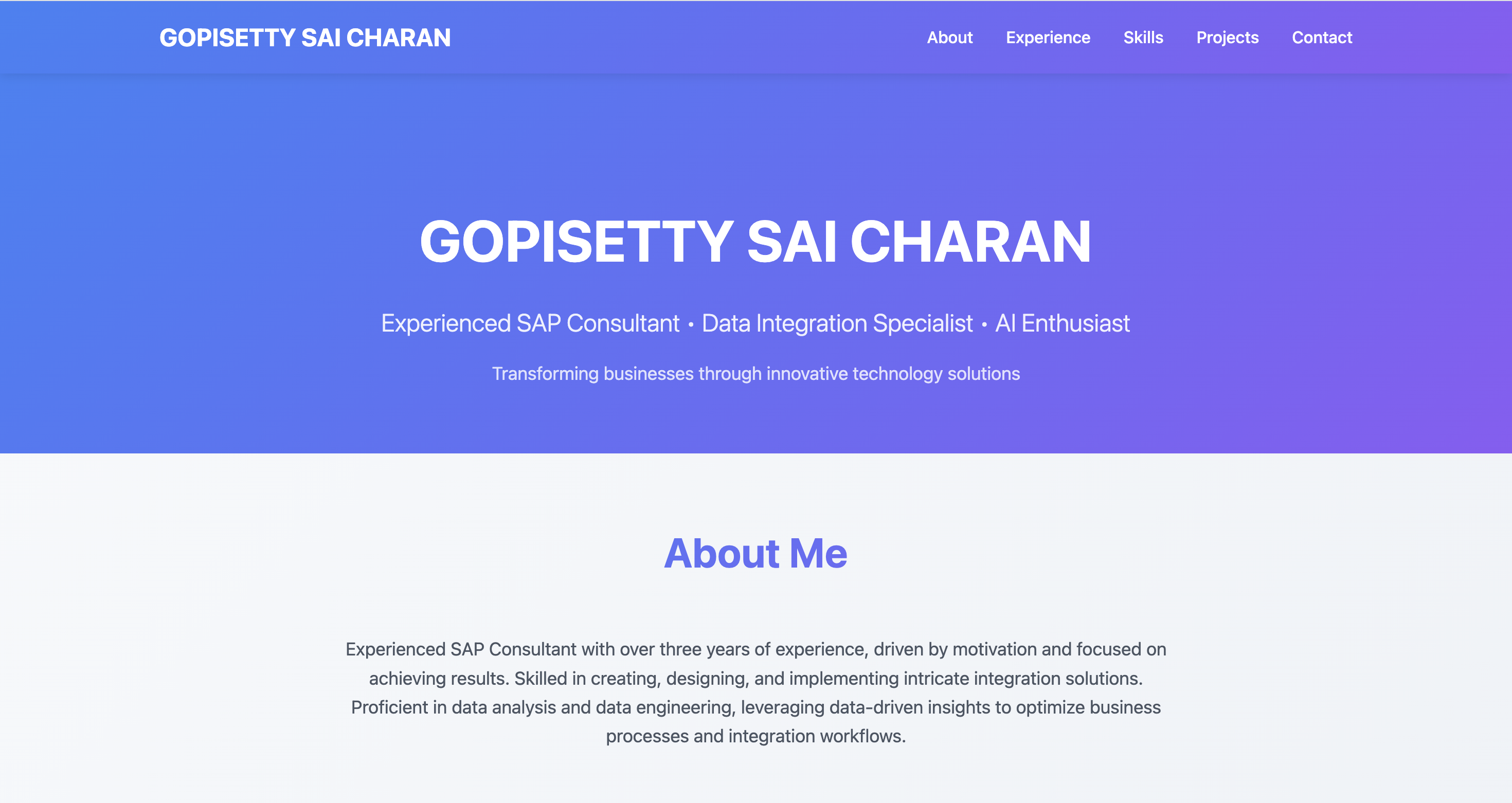
Sai Charan
Student, Clark University
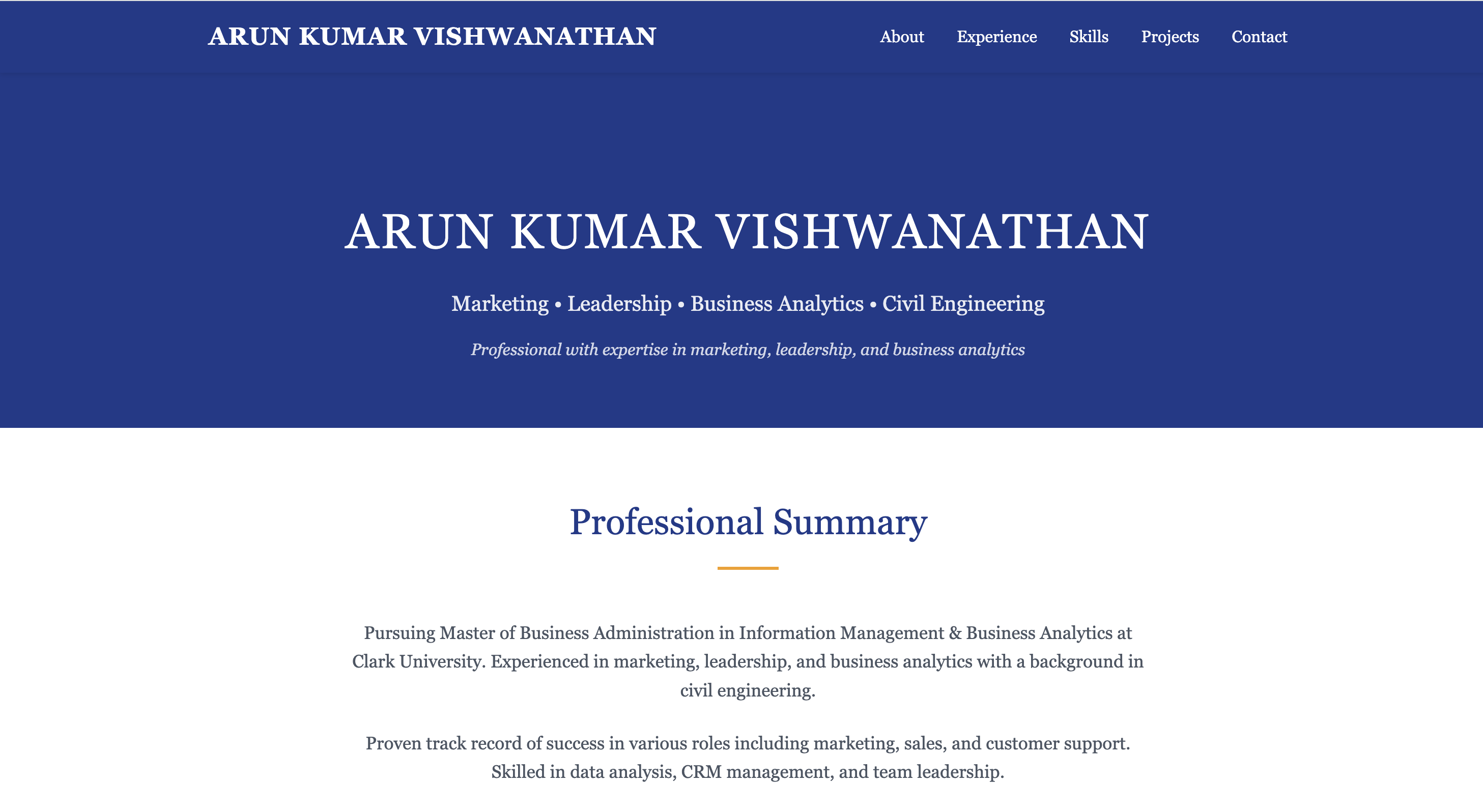
Arun Kumar
Amazon, India
Why Choose MyDigitalSpace
Transform your resume into a stunning portfolio in minutes, not hours
Instant Portfolio
Create your site from your resume in seconds with our AI-powered generator.
Beautiful Designs
Choose from stunning templates optimized for hiring managers and recruiters.
Mobile Friendly
Your portfolio looks great on every device - desktop, tablet, and mobile.
Private by Default
Only share your portfolio when you're ready. Complete control over visibility.
How It Works
Create your professional portfolio in just 4 simple steps
Upload Resume
Drag and drop your resume or paste your content
Choose Template
Pick from professional templates for your industry
Preview & Edit
Review and customize your portfolio design
Share Portfolio
Get your unique URL and start sharing
What Users Say
Join thousands of satisfied users who have transformed their careers with MyDigitalSpace
"This is really useful, Once Portfolio is generated, we can then host on github page aswell for free. Thank you for creating!"
"This is amazing! The templates are beautiful and the process is so simple."
"Generated my portfolio gave a stunning result. Highly recommended for developers!"
"I'm happy and satisfied user. The portfolio helped me land my dream job!"
Frequently Asked Questions
Everything you need to know about creating your portfolio
Is it free to create a portfolio?
Is it free to create a portfolio?
Yes! Creating a your portfolio is completely free. But deploying it and sharing requires premium subscription.
What file formats do you support?
What file formats do you support?
We support PDF and plain text formats. You can also paste your resume content directly.
Can I customize my portfolio design?
Can I customize my portfolio design?
Absolutely! You can choose from multiple professional templates and layout to match your style.
How long does it take to create a portfolio?
How long does it take to create a portfolio?
The entire process takes just 60 seconds! Upload your resume, choose a template, and your portfolio is ready to share.
Can I update my portfolio later?
Can I update my portfolio later?
Yes, you can log in anytime to update your resume, change templates, or modify your portfolio content.
Is my portfolio mobile-friendly?
Is my portfolio mobile-friendly?
All our templates are fully responsive and look great on desktop, tablet, and mobile devices.
Still have questions?